Support
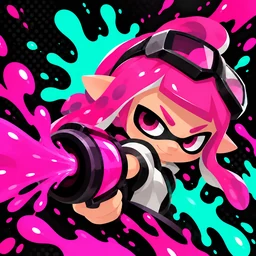
InkRush is a landscape ink battle game for iPhone and iPad, requiring iOS/iPadOS 17 or later. Each match lasts 90 seconds. Challenge a bot or face one other player in a two-player match on the same Wi-Fi. Internet matchmaking is currently not supported.
Move with the left joystick, swipe on the right to aim, and hold the attack button to paint. You can switch between the sprayer, roller, and bucket. Ink gradually refills when you release the attack button, and staying in your own ink provides additional recovery.
For local multiplayer, make sure both devices have the same version of InkRush installed and are connected to the same Wi-Fi. On one device, choose Create Room. On the other, choose Join Room and enter the room it finds. Allow InkRush to access the Local Network when prompted for the first time. The match can start once both players are ready.
If you cannot find a room, check Settings > Privacy & Security > Local Network and make sure InkRush has permission. Some guest Wi-Fi networks or networks with client isolation may prevent devices from finding each other; a regular home Wi-Fi network is recommended. Locking the screen, moving the app to the background, or losing the network connection ends the current local match, so you will need to create a new room. Resuming an interrupted match is not currently supported.
If the game has no sound, check the in-app sound switch, your device’s media volume, and silent mode. InkRush automatically stops audio when it enters the background. The interface follows the language set for the app in system settings, using English for unsupported languages.
For help or feedback, email inkrush@shintougen.com. Please include your device model, iOS/iPadOS version, InkRush version, whether you were playing against a bot or using local multiplayer, and the steps that reproduce the issue. Screenshots can help us identify the problem. Please do not send passwords or other unnecessary personal information.